BCT15X
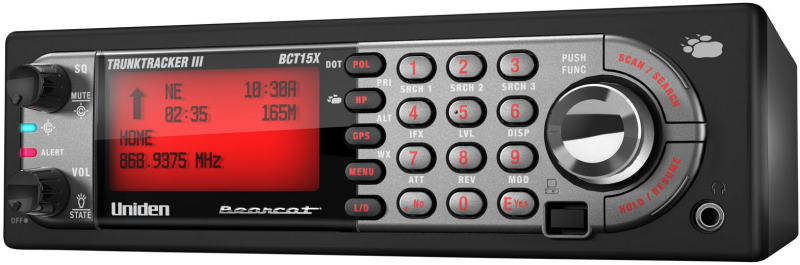
Important information
For general information about using a scanner, including how to program the various types of radio systems into your scanner, we suggest you start with the General Users Guide page.General Precautions
Quick Start
State-by-State Scanning gets you started using the state-by-state radio system information factory loaded into your BCT15X.Feature List
Click the heading above for a complete list of features.Specifications
Regulatory Information
Warranty and Support Information
User Guide Information
Operation overview
Setting up the hardware
Programming your scanner
- Setting up systems
- Programming Number Tags
- Programming Quick Keys
- Programming Search Keys
- Programming locations
- Setting alerts
- Initializing Memory
Operating your scanner
- Using Number Tags
- State-by-State Scanning
- BearTracker Warning System
- Using Quick Keys, Startup Keys, and Search Keys
- Using Tone Out mode
- Using Close Call mode
- Using Band Scope mode
- Using GPS mode
| This page applies to the following scanner(s): BCT15X Users Guide |



