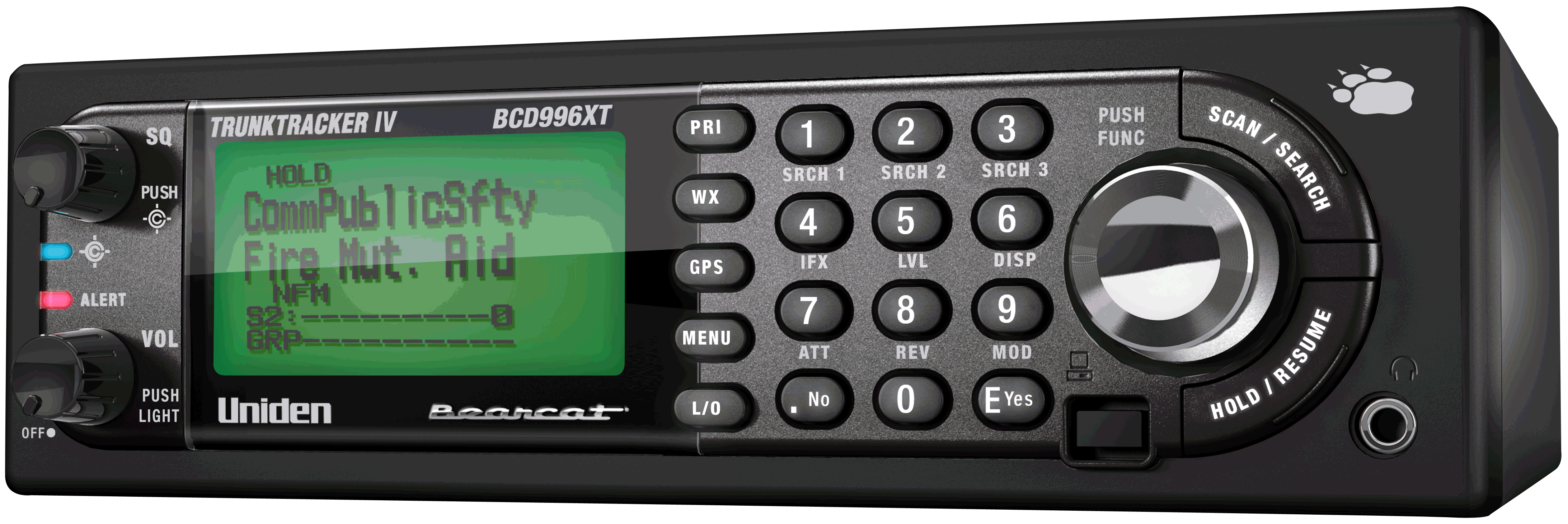
BCD996XT
Important information
For general information about using a scanner, including how to program the various types of radio systems into your scanner, we suggest you start with the General Users Guide page.General Precautions
Quick Start
Using Preloaded SystemsFeature List
Click the above heading for a complete list of features.Specifications
- Hardware specifications
- "BCD996XT -- The Complete Reference" is coming soon.
FCC Information
Warranty and Support Information
User Guide Information
Operation overview
Setting up the hardware
Programming your scanner
- Setting up systems
- Programming Number Tags
- Programming Quick Keys
- Programming Search Keys
- Programming locations
- Setting alerts
- Initializing Memory
Operating your scanner
- Using Number Tags
- Using Quick Keys, Startup Keys, and Search Keys
- Using Tone Out mode
- Using Close Call mode
- Using Band Scope mode
- Using GPS mode
| This page applies to the following scanner(s): BCD996XT Users Guide |